
NICOLE DOCUMENTATION
Getting started with Nicole
Welcome. Let’s turn three zip files into your food blog.
This guide takes you from the files you just downloaded to a finished site, in about fifteen minutes. Work through the four steps in order the first time; after that, dip into whichever article you need.
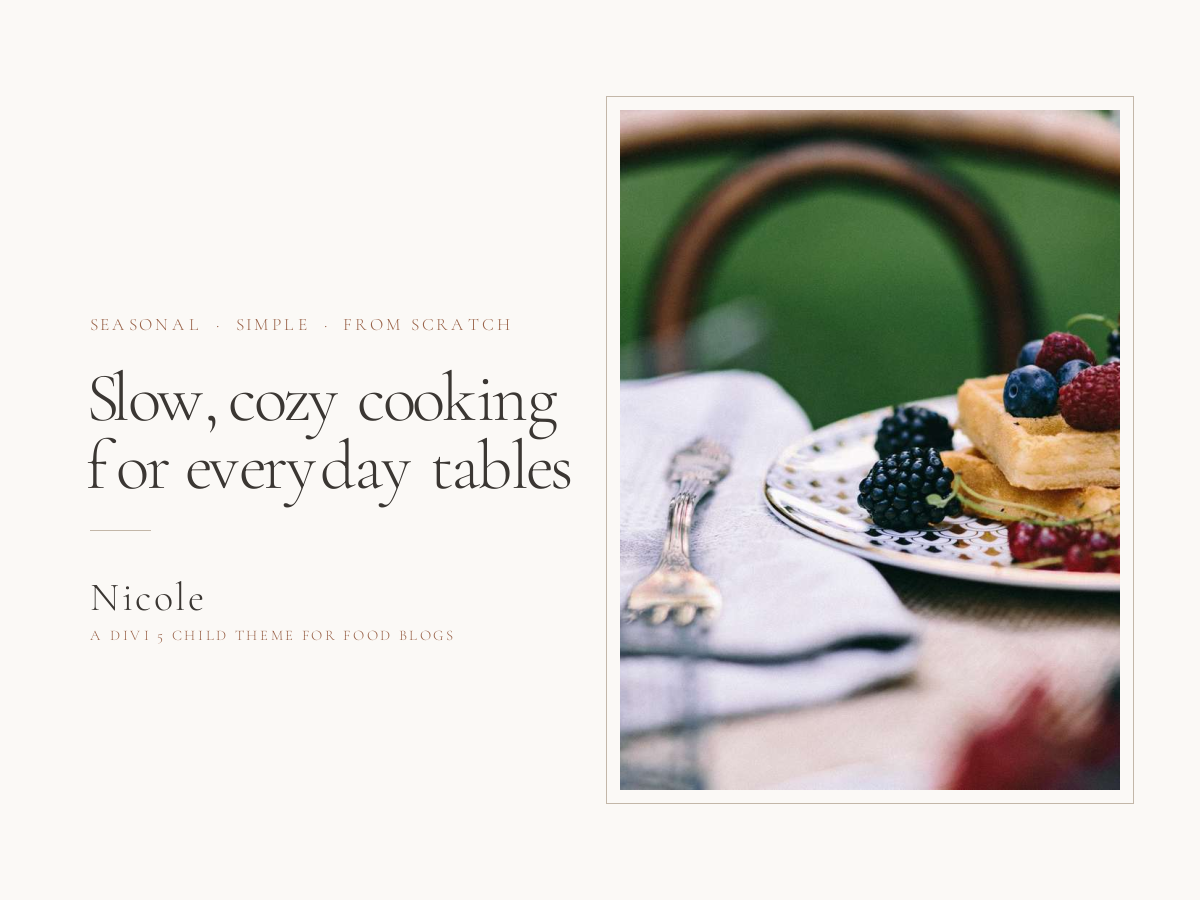
THE NICOLE DEMO, READY TO BECOME YOURS
WHAT YOU DOWNLOADED
Three files, one food blog
Your Marketplace account where you purchased holds all three. Keep them zipped - WordPress wants the zip file, not the folder inside it.
NICOLE-FOOD-BLOG.ZIP
The child theme. This is what you install in WordPress.
NICOLE-FOOD-BLOG-DEMO-CONTENT.ZIP
The demo content. You upload this inside WordPress once the theme is active.
RECIPE-CARD-FOR-DIVI.ZIP
The Recipe Card plugin, which gives every recipe its card. You install it as a plugin.
BEFORE YOU BEGIN
What you need
Nicole is a child theme, so Divi does the heavy lifting underneath it. The only other piece is the Recipe Card plugin, which comes with it.
REQUIREMENTS
WordPress 6.5 or later
PHP 7.4 or later
Divi 5, installed and active
Get Divi from Elegant Themes. That is an affiliate link: if you buy through it, Elegant Themes pays me a commission at no extra cost to you.
THE FOUR STEPS
From zip file to finished site
Each step has its own article. They take about fifteen minutes end to end.
STEP ONE
Install the child theme
Upload the zip, activate it, and add the Recipe Card plugin.
STEP TWO
Import the demo content
One click builds the pages, the recipes, the templates and the menu.
STEP THREE
Replace the images
Swap in your own food photos, and products for the twelve placeholders.
STEP FOUR
Make the colours and fonts yours
Fourteen named colours and two fonts rebrand the whole site.
Ready when you are.