
REFERENCE
A tour of the pages
What each page is for, and how it is put together.
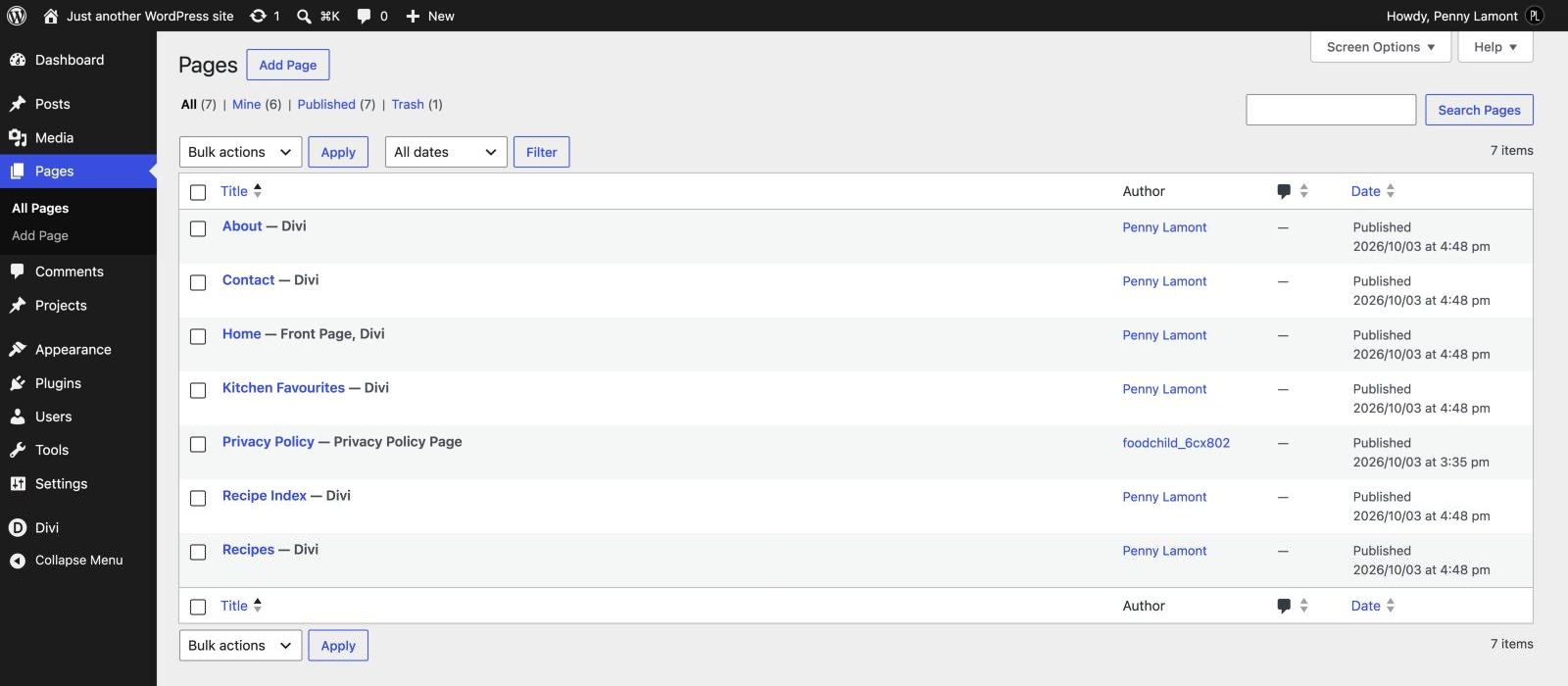
Nicole is seven pages, ten sample recipes and a handful of Theme Builder templates. The pages share a small set of building blocks - a framed photo, a recipe grid, a soft band of colour - so once you have changed one page the rest will feel familiar. This is the map.
THE PAGES
Seven pages, each with a job
WHAT EACH PAGE DOES
Home — The full tour: a split hero with two buttons, arched “browse by category” cards for the four categories, the latest recipes, a Meet Nicole introduction, a featured collection and an Instagram-style photo strip.
About — The longer story: a portrait and introduction, three kitchen beliefs, a pull quote and a grid of favourite recipes.
Recipes — Every recipe, newest first, twelve to a page, with category buttons along the top.
Recipe Index — One band per category, each with its newest recipes and a “View all” button that opens the category.
Kitchen Favourites — The shop page: twelve recommended kitchen tools in three groups, ready for your affiliate links. Earning from your site covers it.
Contact — Your email address and social links beside a short contact form.
Privacy Policy — WordPress’s own privacy page, linked from the bottom of every page. The import publishes it for you; fill it in before you launch, especially once ads or affiliate links are switched on.
The recipes themselves are ordinary WordPress posts. They have no page of their own; the Single Recipe template in the Theme Builder lays them out, and Recipes and the Recipe Card plugin explains how each one is put together.
THE PATTERN
Soft bands of colour
Every page is a stack of full-width bands. Most are Ivory, with Sand, Linen or Blush used to mark a change of pace - the page hero, a collection, a quote. Changing a band is a one-click change in its section’s Background tab. Pick from the global palette rather than typing a hex, so the band follows any later change to the colours.
THE PATTERN
The hairline photo frame
Every photo sits inside a fine line with a small gap between the line and the picture. It is drawn by the child theme, so it appears on Image modules, recipe grid thumbnails and the photo at the top of each recipe without any setting on your part. The line uses the Secondary Color in the palette, so it follows a colour change.
The Instagram-style strip on the home page is the one exception: its photos run edge to edge like a real feed.
THE PATTERN
Arches, circles and fixed crops
A photo of any shape keeps the design’s proportions because a CSS class locks its crop. Add one under Advanced › CSS Class on an Image module:
nicole-arch and nicole-tall - an upright 3:4 crop. The arch shape itself is the module’s border radius.
nicole-round - a perfect circle, as on the Meet Nicole portrait.
nicole-square - a 1:1 crop, as on Kitchen Favourites.
nicole-post-photo - the 3:2 landscape crop used for photos inside a recipe.
THE PATTERN
The recipe grid
The recipe cards on Home, About, Recipes, Recipe Index, the category pages and under every recipe are all Divi Blog modules carrying the class nicole-recipe-grid. The class turns Divi’s bordered blog cards into tall 4:5 photographs with the category above the title. To add a grid elsewhere, copy an existing one rather than starting from a fresh Blog module - it brings the fonts, colours and class with it.
THE PATTERN
The newsletter band
The dark sign-up band at the foot of every page is not part of any page. It lives in the footer template, so it appears everywhere automatically, and the Subscribe button at the end of the menu jumps down to it. The contact form and newsletter covers connecting it.
Next