
SHOPCARD DOCUMENTATION
Getting started with ShopCard
Reusable product cards and collections for Divi 5.
This guide takes you from the zip file to your first product card in about ten minutes. Work through the four steps in order the first time; the other articles are here for when you need them.
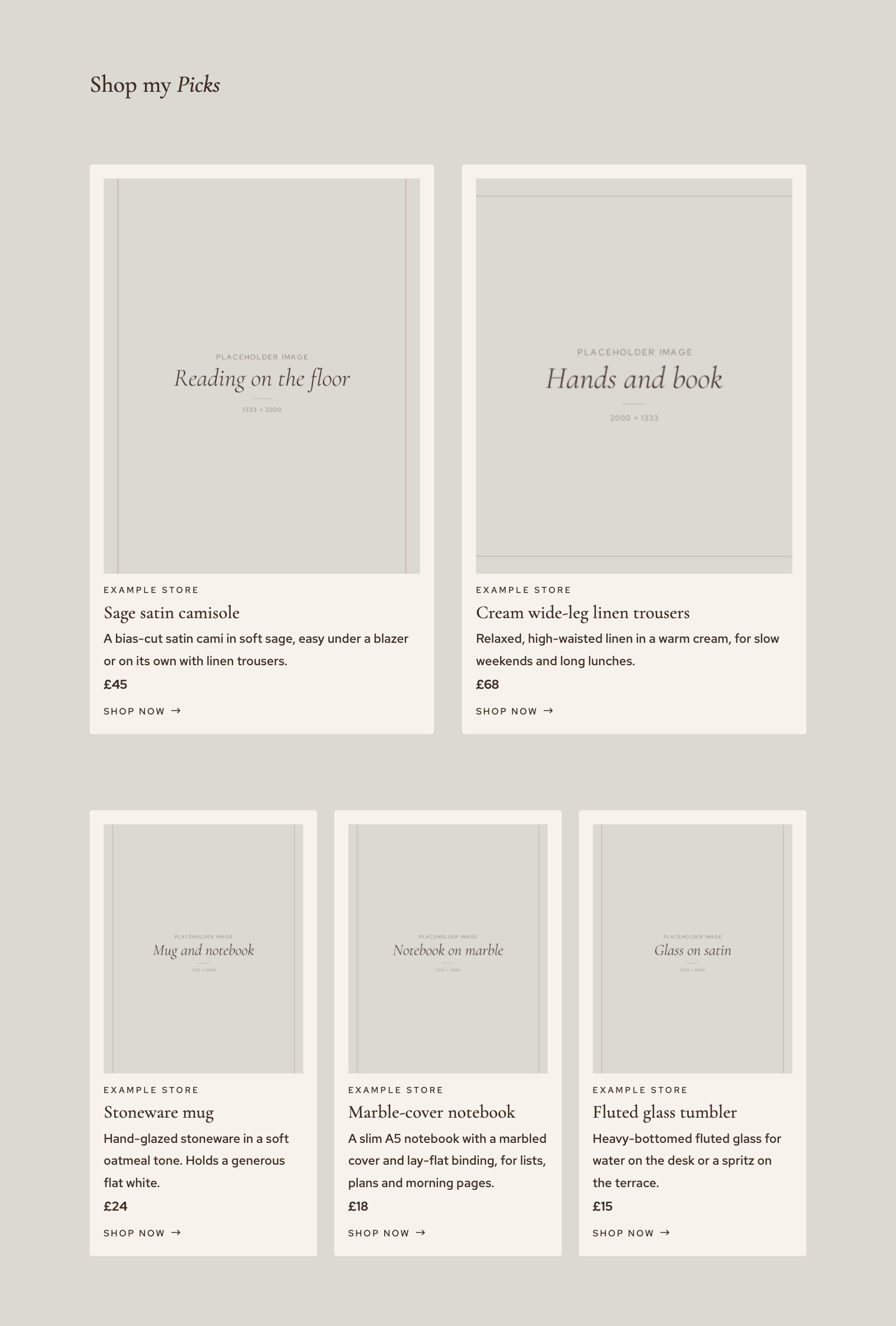
SHOPCARD CARDS ON THE ROMY DEMO
WHAT YOU DOWNLOADED
One plugin, two modules
ShopCard is a WordPress plugin. It adds a ShopCard menu to your admin, where your products and collections live, and two modules to the Divi Visual Builder. Keep the file zipped: WordPress wants the zip, not the folder inside it.
SHOPCARD.ZIP
The plugin. You upload it under Plugins › Add Plugin. If it came with a Divi child theme such as Romy, it is in that theme’s supplementary files.
TWO MODULES
ShopCard Item shows one product. ShopCard Collection shows an ordered set of products as a grid. Both read from the same items, so a change to an item shows everywhere it is used.
BEFORE YOU BEGIN
What you need
ShopCard is a Divi 5 module, so Divi does the heavy lifting underneath it. It works on any Divi 5 site, with or without a child theme, and needs no other plugins.
REQUIREMENTS
WordPress 6.5 or later
PHP 7.4 or later
Divi 5, installed and active
THE FOUR STEPS
From zip file to first card
Each step has its own article. Together they take about ten minutes.
STEP ONE
Install the plugin
Upload the zip and activate it. The defaults are ready to use.
STEP TWO
Add your first item
Save a product once under ShopCard › Items: its link, retailer, description, price and photo.
STEP THREE
Place it on a page
Add the ShopCard Item or ShopCard Collection module, choose the product and decide what shows.
STEP FOUR
Style the cards
They follow your Divi fonts and colours. Here is how to change them once, for every card.
ALSO IN THIS GUIDE
More articles
Ready when you are.