
STEP FOUR OF FOUR
Making the colours and fonts yours
Change them in one place, and the whole site follows.
Nothing in Nicole hard-codes a colour or a typeface into a page. Every heading, band, rule and button reads from Divi’s global palette and global fonts, so changing them changes every page, every recipe, the templates and the recipe card at once.
THE PALETTE
Fourteen colours, and what each one carries
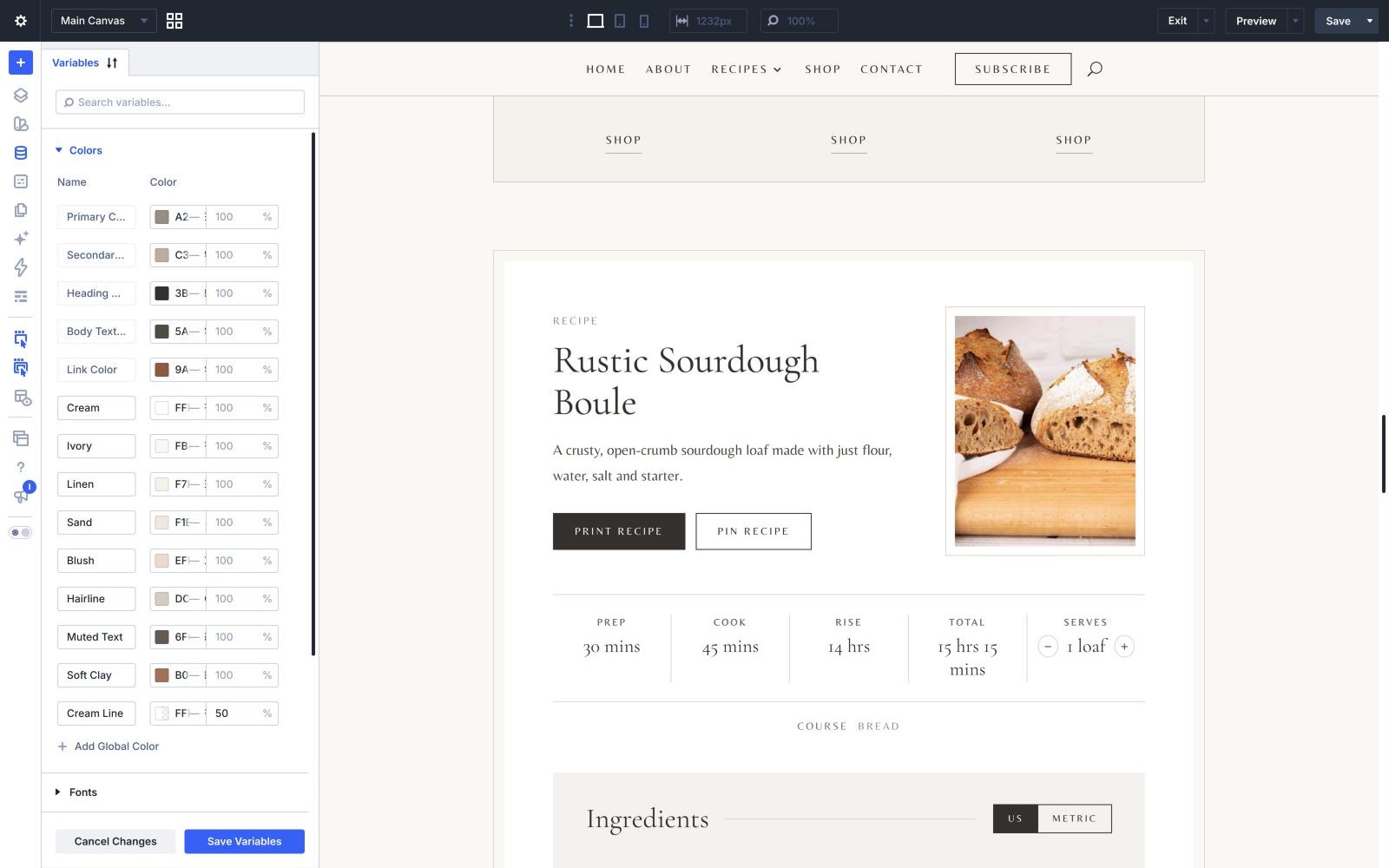
Open the Variable Manager in the builder - the database icon in the left toolbar - and expand Colors. Click a swatch, change it, save - the site updates everywhere that colour is used.
NICOLE’S SWATCHES
Ivory #FBF9F6 — the page ground - most bands
Sand #F1EBE4 — page heroes, “You might also like” and the footer bar
Linen #F7F4EF — the alternate band, the ingredients panel and the “What you’ll need” panel
Blush #EFDED6 — the About quote band, recipe notes and tip boxes
Cream #FFFDFA — the recipe card, form fields and text on dark buttons
Heading Text #3B3733 — headings, solid buttons and the newsletter band
Body Text #5A544C — running text
Link #9A6349 — the clay accent: links, small labels, category names, button hovers and the recipe card accent
Soft Clay #B07A60 — the line beside a tip box in a recipe
Secondary #C3B7A8 — the hairline frame around every photo
Hairline #DCD3C8 — fine rules and borders
Muted Text #6F665D — small print, the affiliate disclosure and the Advertisement label
Cream Line — the email field’s border on the dark newsletter band - Cream at half strength
Primary #A2988C — Divi’s own default accent, for anything you add from scratch
CHANGING A COLOUR
Keep the roles, change the hues
The safest way to recolour Nicole is to replace each swatch with your own colour in the same role - a pale ground for Ivory, a slightly deeper one for Sand and Linen, one accent for Link. The layouts were spaced and contrasted around those roles, so the site stays readable.
If you want a different feel rather than a different palette, the fastest single change is the Link colour. It is the clay you see in every label and link.
CHANGING THE FONTS
Two typefaces, set once
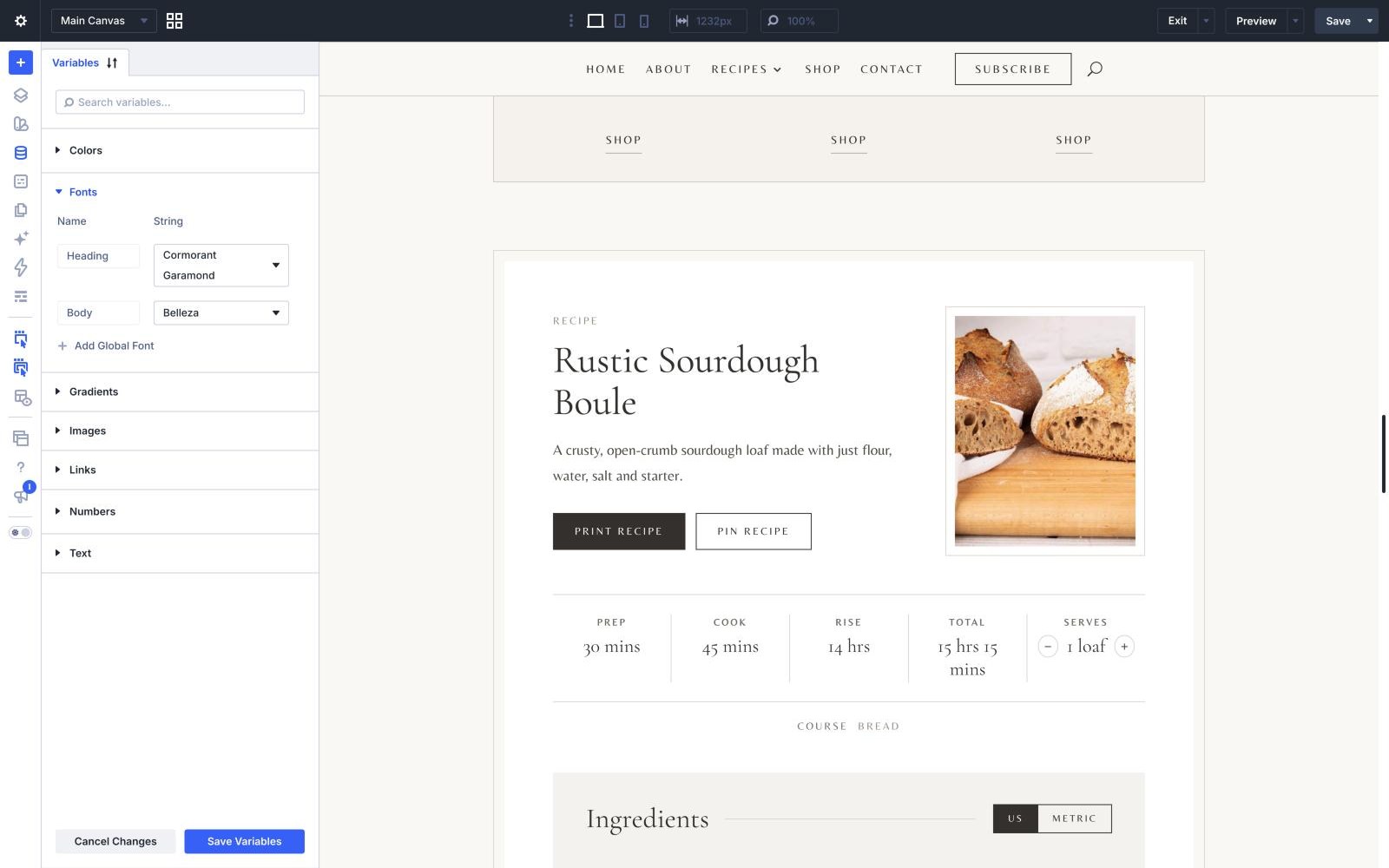
Headings are Cormorant Garamond at weight 400; running text is Belleza at 17px, stepping down to 16px on phones. Both are set in the Variable Manager in the builder - the database icon in the left toolbar - click on it and and expand Colors. Every module preset, the templates and the recipe card read those two settings rather than naming a font of their own, so changing them there carries through the whole site in one move.
The site name in the header and footer uses the heading font too, so it changes with it.
SPACING
Two numbers control the rhythm
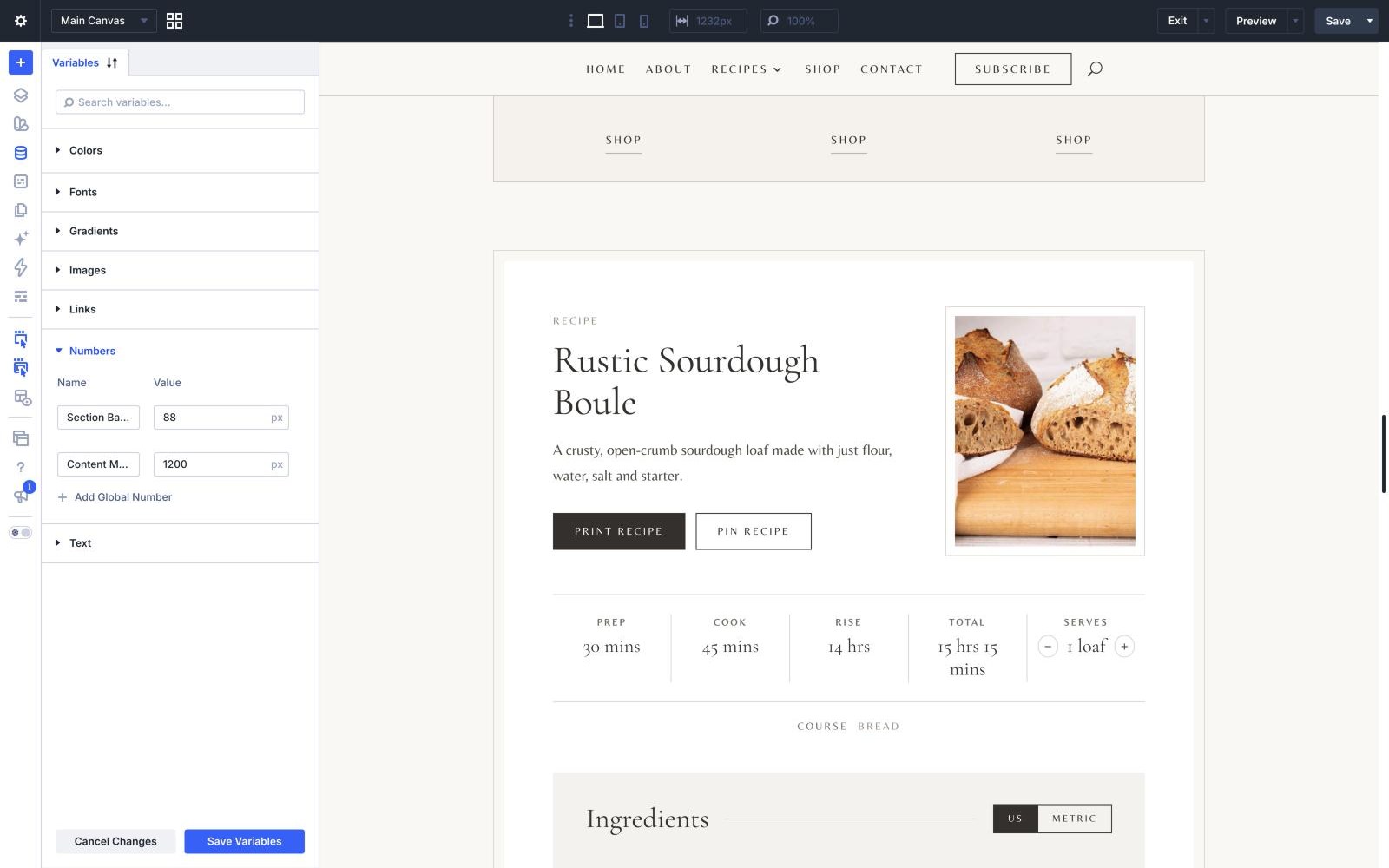
In Divi’s design variables there are two values worth knowing:
Section Band Padding - 88px. The space above and below most bands. Lower it for a denser site, raise it for a calmer one. Page heroes and a few deliberately tight bands keep their own spacing.
Content Max Width - 1200px. How wide the content runs before it stops growing.
Both are shared, so a single change re-paces the whole site.
THE TYPE SIZE
Nothing small where it matters
Running text is 17px across the site, 16px on phones. The things set smaller on purpose are the letterspaced capital labels, the small print on the recipe card and the copyright line. If you raise the body size in Typography, those stay where they are.
WHERE THE STYLING LIVES
Almost all of it is in Divi
Colours, fonts, spacing and the module presets are all set in Divi itself, which is what keeps the design editable in the Visual Builder rather than locked in a stylesheet.
A handful of things genuinely cannot be expressed through Divi’s options, and those live in the child theme’s style.css, each with a comment explaining why: the header’s Subscribe button and dropdown, the recipe grid cards, the photo frames and crops, the photos inside a recipe, the newsletter form, the ad slots and the “What you’ll need” panel on phones. Even there, every colour and font reads from the global palette.
Next