
REFERENCE
A tour of the pages
What each page is for, and how it is put together.
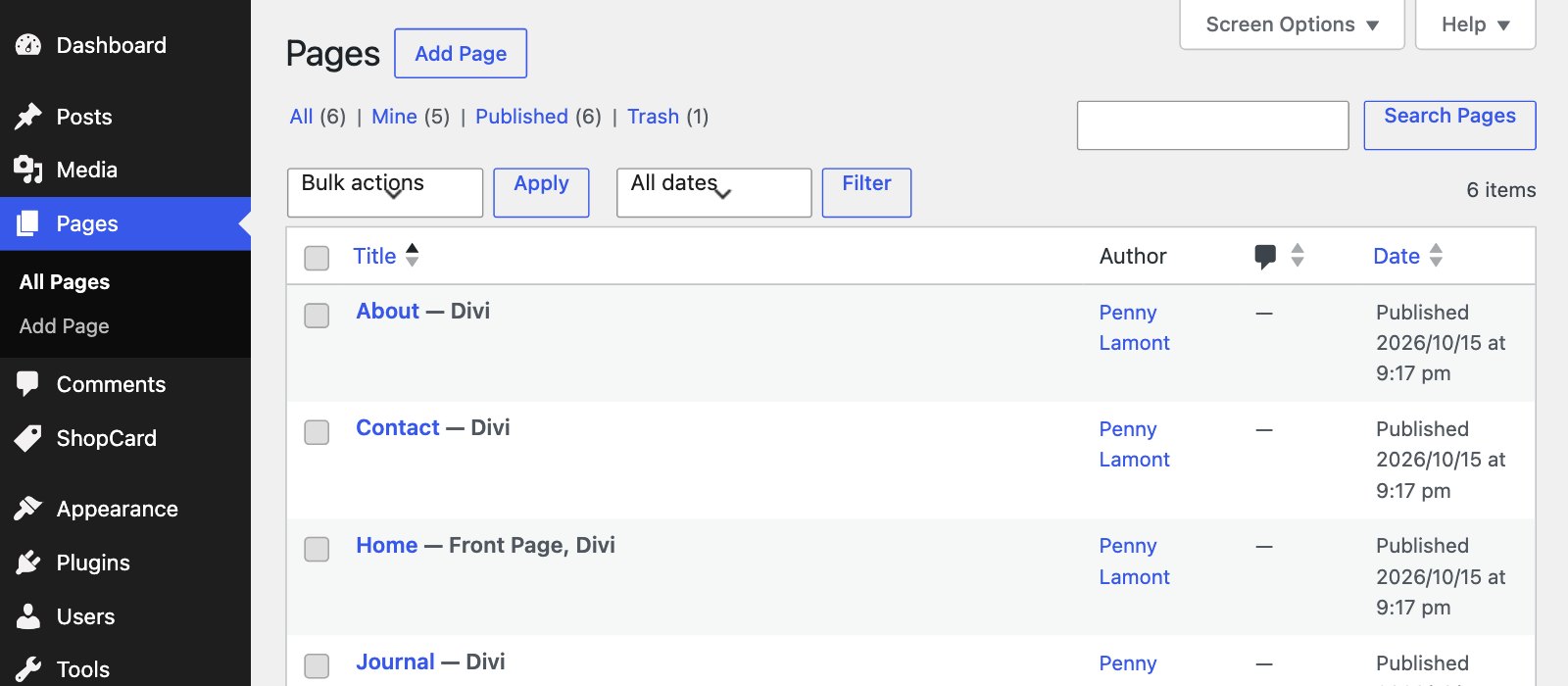
Romy is five pages, six sample posts, twelve ShopCard picks and five Theme Builder templates. The pages share a small set of building blocks - soft bands of colour, framed photos with a sprig drawn beside them, and ShopCard cards - so once you have changed one page the rest will feel familiar. This is the map.
THE PAGES
Five pages, each with a job
WHAT EACH PAGE DOES
Home — The full tour: a split hero with the Explore the Journal button, the four latest posts in alternating rows, a Hey, I’m Romy introduction, Shop my Picks with two ShopCard items and a collection, and a Featured Story.
About — The longer story: a three-photo collage and an identity line, What you’ll find here, Behind the blog, a This or That list, an As seen in strip with placeholder publication names, category tiles and a ShopCard collection.
Journal — Every post, newest first, nine to a page, with category links along the top.
Shop My Picks — The shop page: Currently loving, The wardrobe edit, Little luxuries, At home and Desk & stationery, all built from ShopCard items and collections, with an affiliate disclosure at the top. ShopCard and Shop My Picks covers it.
Contact — A photograph beside a short contact form.
Privacy Policy — WordPress’s own privacy page, linked from the bottom of every page. The import publishes it for you; fill it in before you launch, especially once your affiliate links are live.
The posts themselves are ordinary WordPress posts. They have no page of their own; the Single Post template in the Theme Builder lays them out, with the title, the featured photo, an author box, previous and next links and “You might also like”. Theme Builder templates explains how the two fit together.
THE PATTERN
Soft bands of colour
Every page is a stack of full-width bands. Most are Ivory, with Warm Stone used to mark a change of pace - Shop my Picks on the home page, a collection, the footer. Changing a band is a one-click change in its section’s Background tab. Pick from the global palette rather than typing a hex, so the band follows any later change to the colours.
THE PATTERN
The sprig illustrations
The fine botanical sprigs beside the hero, the Hey, I’m Romy portrait and several framed photos are line drawings placed as Image modules. They are SVG files in wp-content/uploads/romy, so they stay crisp at any size. Move, resize or delete them like any other image.
THE PATTERN
Fixed crops, no classes to remember
A photo of any shape keeps the design’s proportions because each Image module has its crop set under Design › Sizing: either an aspect ratio, such as 4:5 or 3:2, or a fixed height, with the picture set to cover the space. Duplicate a module and the crop comes with it; Replacing the images lists the shape of each one.
THE PATTERN
The Journal grid
The Journal page, the category pages and the search results use Divi’s Blog module with the class romy-blog-grid under Advanced › Attributes, which keeps the cards an equal height with Read More along the bottom. Latest Journal on the home page is different: four rows built with Divi’s loop, each showing the next newest post, alternating left and right.
THE PATTERN
The newsletter band
The sign-up band with the flat-lay photo is not part of any page. It lives in the footer layout, so it appears on every page and post automatically - except Contact, which has its own footer without it, so the form is not competing with a second sign-up. The contact form and newsletter covers connecting it.
Next