
TROUBLESHOOTING
When something looks wrong
Almost always one of these six.
Work down the list - the first one covers most of what people write in about.
THE SITE LOOKS UNSTYLED, OR A FONT LOOKS WRONG
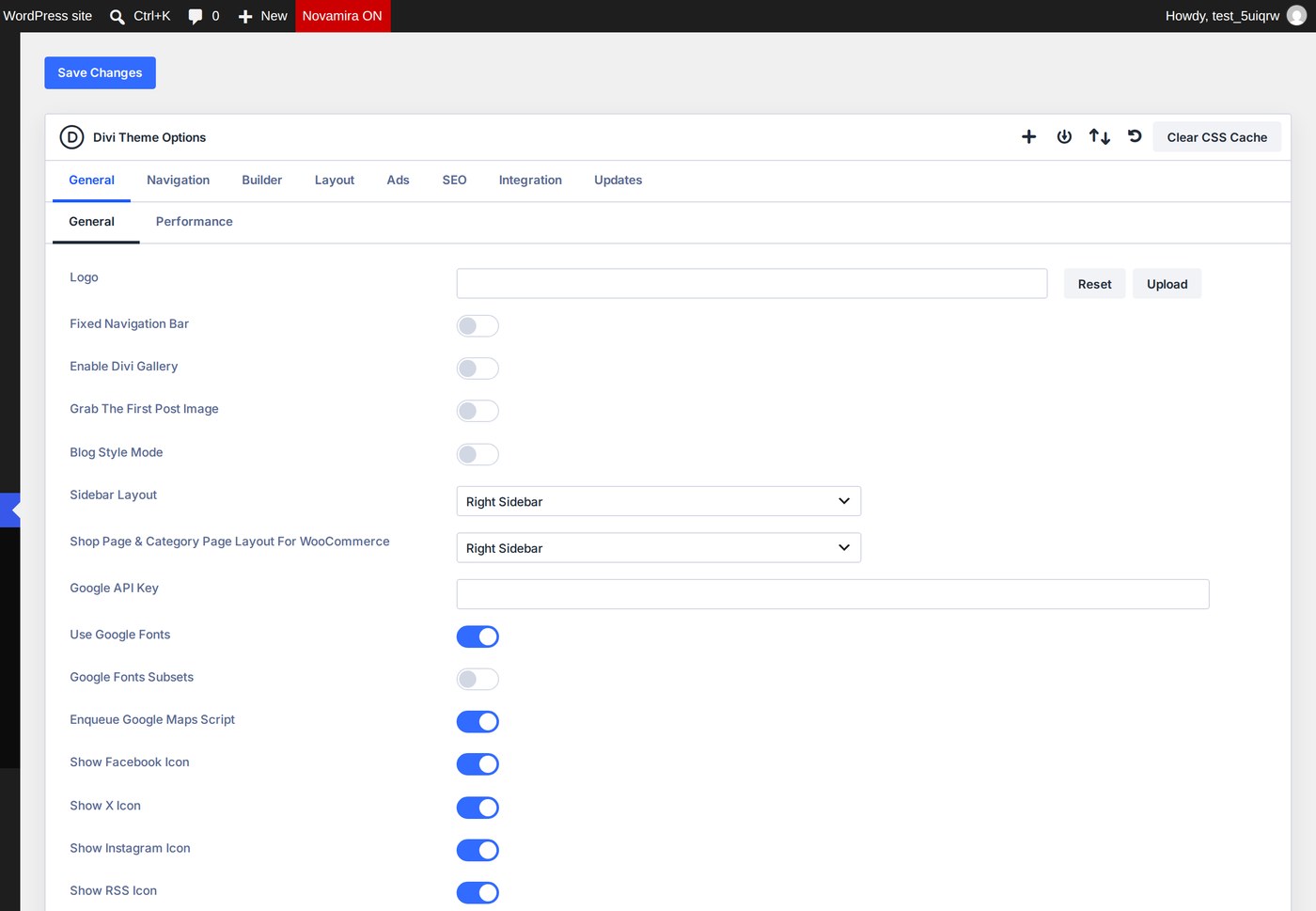
Divi keeps a cache of the CSS and fonts each page needs, and it can go stale after an import or a round of edits. Clear Divi's static CSS cache under Divi › Theme Options › Builder › Advanced, then reload the page twice - the first load after a clear is what rebuilds it.
THE IMPORT BUTTON DOES NOTHING
A security plugin or a browser extension is most likely blocking the request. Try again with plugins deactivated, or in a private window.
THE DEMO PACKAGE WILL NOT UPLOAD
The file is small - under half a megabyte - so this is usually a hosting upload limit set very low. Ask your host to raise the maximum upload size.
THE ORNAMENTS AND ICONS DO NOT APPEAR
Some security plugins block SVG files. Allow SVG uploads and import again, or upload the eight kiara SVG files from the demo package by hand.
I IMPORTED TWICE AND HAVE DUPLICATES
Delete the second set of pages and posts - their addresses end in -2. Check Divi › Theme Builder for duplicated templates too.
SOMETHING ELSE
Open a support ticket on the Kiara product page in the Marketplace where you purchased the child theme. I answer within 48 hours, usually sooner, and it helps enormously if you say which step you had reached.
Next