
PRINT AND SEARCH
Printing and Google recipe data
Two things the card does for you.
Every Recipe Card comes with a clean printable version and the recipe data Google reads. Neither needs setting up.
THE PRINT VIEW
A page with just the recipe
Print Recipe opens a clean page with only the card, then the print dialog. It keeps the reader’s US or Metric choice and any change to the servings, and adds your site name and the recipe’s address at the foot so a printout always leads back to you.
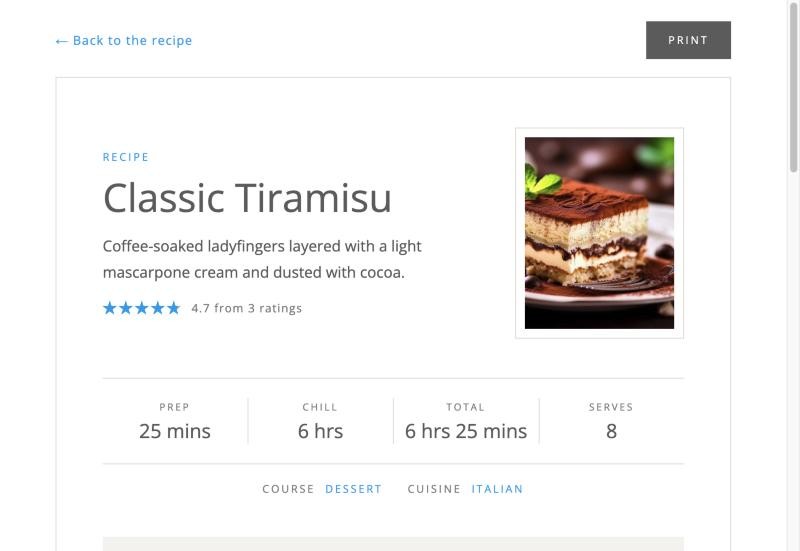
Recipe data for search
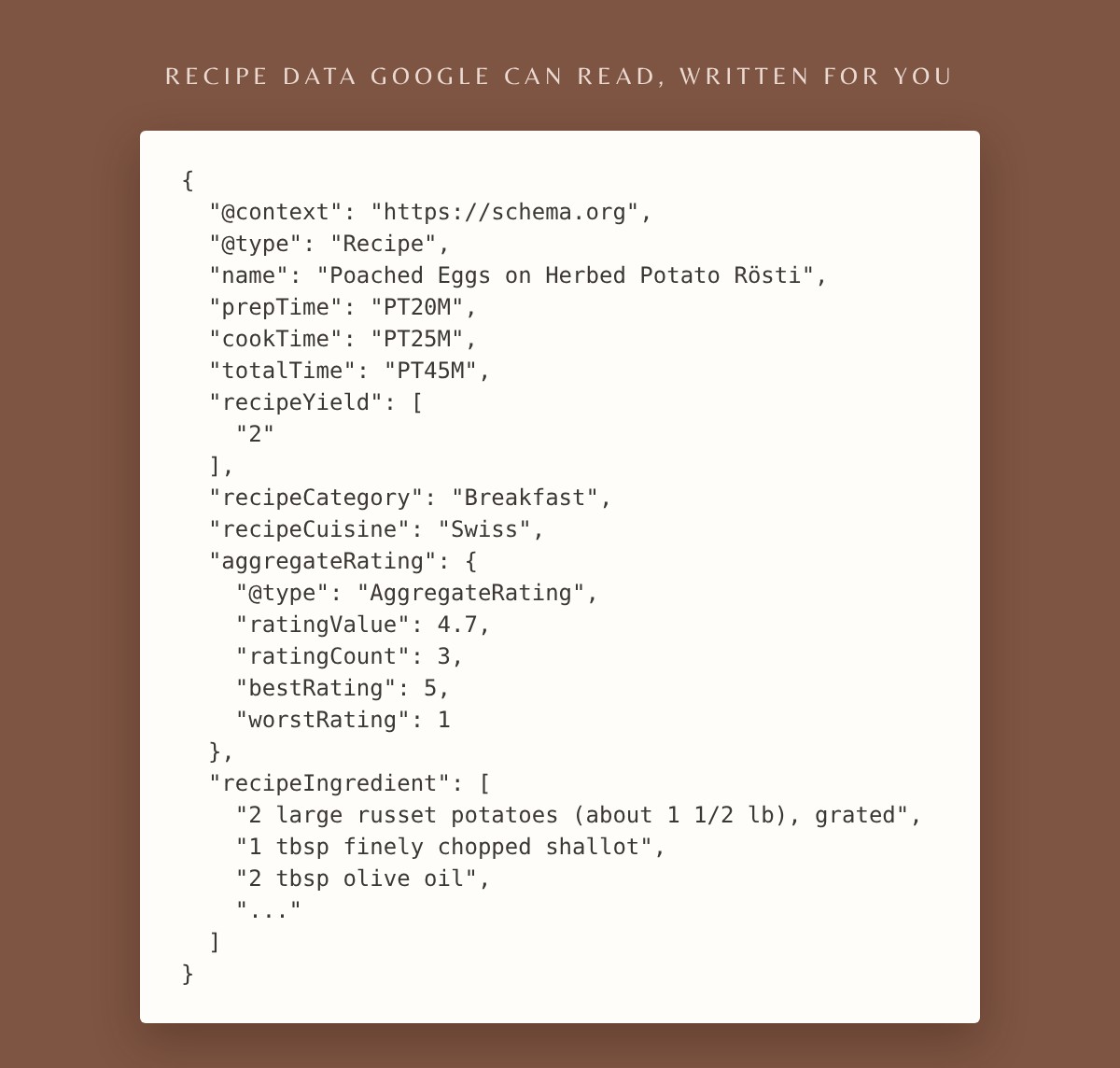
Every post with a Recipe Card tells Google it is a recipe: the name, photo, description, times, servings, ingredients, steps, course, cuisine, calories and average rating. That is what lets Google show your recipe with its photo, stars and cooking time. It is added to the page automatically.
CHECK IT
See what Google reads
Paste a recipe’s address into Google’s Rich Results Test. Google decides for itself when to show rich results, so they can take a while to appear after you publish.
GOOD TO KNOW
If you use other recipe tools
ONE RECIPE PLUGIN PER POST
If another recipe plugin also adds recipe data to the same post, Google sees two recipes. Use one per post.
FOR DEVELOPERS
Filter rcfd_schema to change the data and rcfd_output_schema to switch it off. rcfd_ratings_enabled switches ratings per post, and rcfd_print_fonts_url sets the print view’s font address.
Also in this guide